Setup Outlook2003 with IMAP Server
- Select Tools | Email Accounts
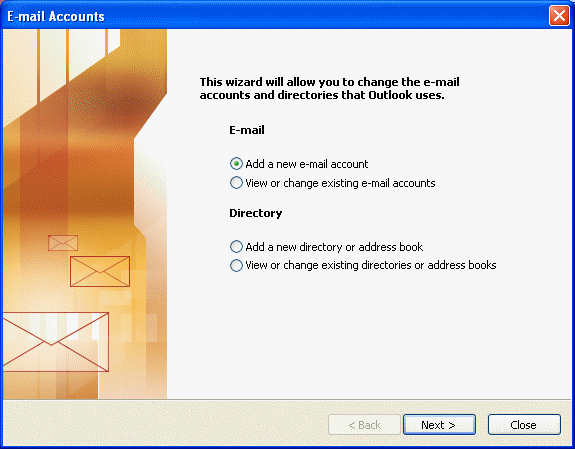
- Select Add a new email account.
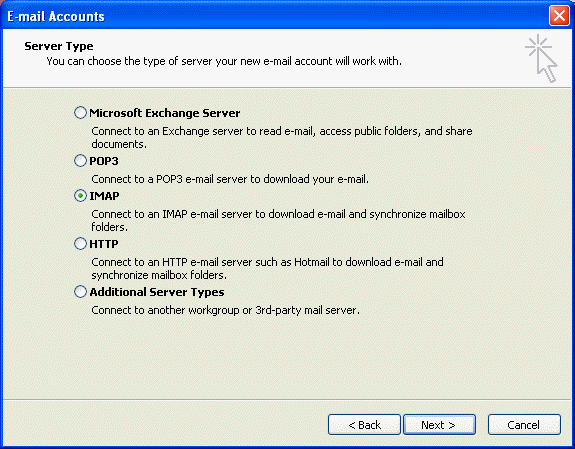
- Select Server Type
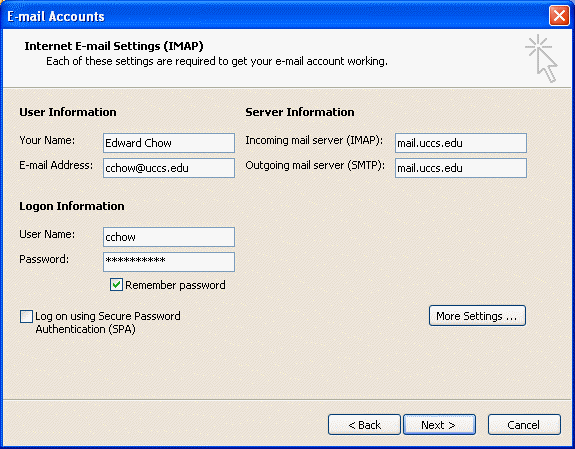
- Enter user info for IMAP setting. Enter <login>@uccs.edu your UCCS email address (replace <login> with your actual login). Enter mail.uccs.edu as both incoming and outgoing server. Enter the UFP account name and password. Click next
- click finish.
- You should see an entry with mail.uccs.edu and inbox appear on the left panel.